
Dropshipping lets new e-commerce store owners sell products without holding inventory – the supplier ships orders directly to customers. The key is choosing a reliable platform that fits your store’s niche, region, and goals. Important factors include supplier location (for shipping speed), product selection (niche vs. general), pricing models, and integrations (Shopify, WooCommerce, etc.). The right platform can streamline product sourcing and order fulfillment, letting beginners focus on marketing and customer service. Below we rank CJdropshipping as our #1 recommendation (due to its global warehouses and services) and nine other top dropshipping platforms. Each entry includes an overview, features, pros/cons, integrations, pricing, and who it’s best for.
What is a dropshipping website?
A dropshipping website is an e-commerce store where you sell products without handling inventory: when orders arrive, third-party suppliers ship directly to customers, letting you profit (retail price minus wholesale cost) with no upfront stock investment, warehousing, or logistical hassles.
Top 10 Dropshipping Websites
1.CJdropshipping
2.AliExpress
3.Spocket
4.Modalyst
5.Oberlo (DSers)
6.SaleHoo
7.Printful (Print‑On‑Demand)
8.Dropified
9.Doba
10.Inventory Source
1. CJdropshipping
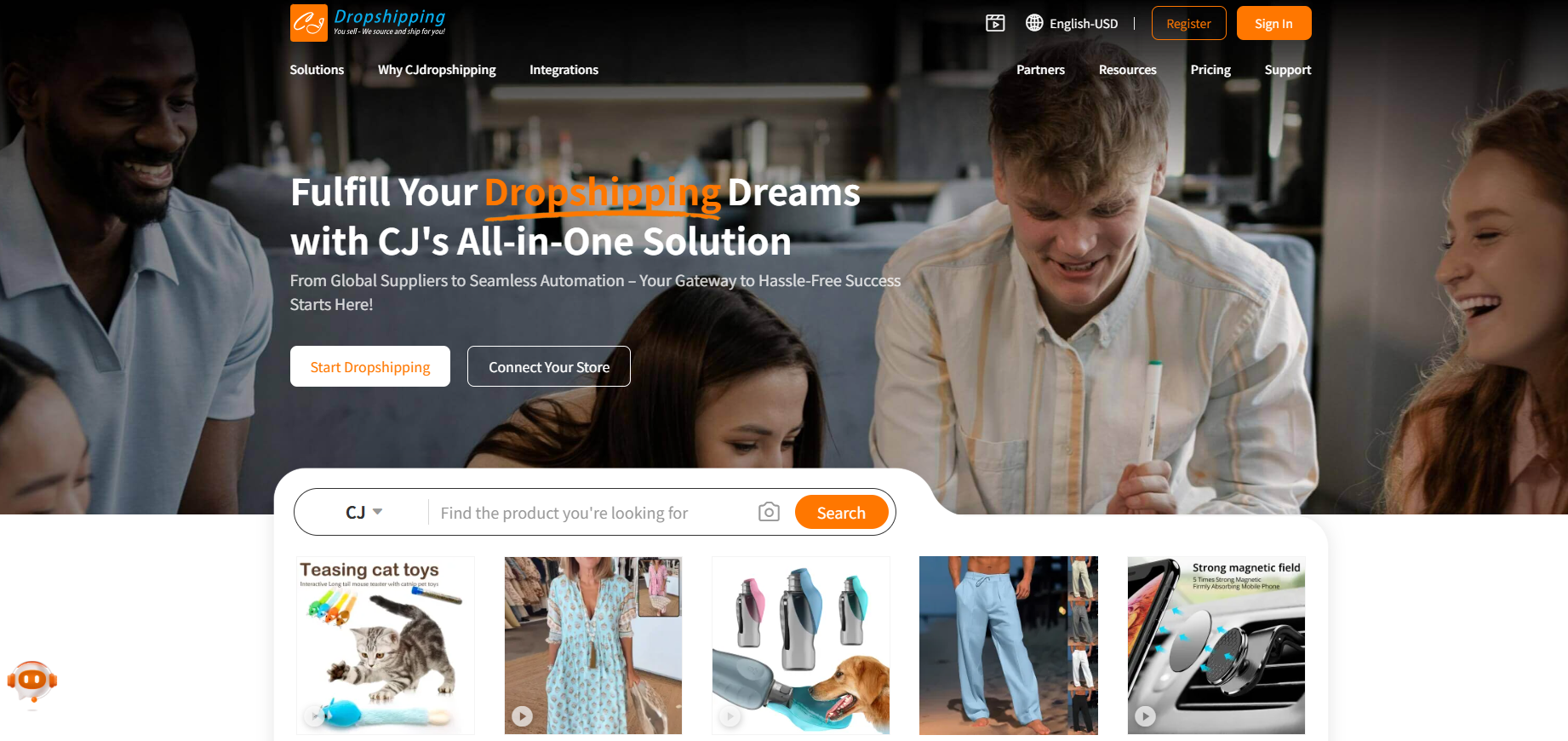
Overview: CJdropshipping is a China-based dropshipping supplier with a full-service platform. It offers sourcing, order fulfillment, and even branding services (like print-on-demand and product photography). Originally focused on jewelry, CJ has expanded into virtually all categories. Crucially, CJ operates global warehouses (China, USA, EU, etc.), enabling faster delivery by shipping from the nearest warehouse. It also offers a “sourcing agent” – you can send an image or link of a product and CJ will find or create it for your store. Many beginners like CJ because they can order one unit (no MOQ) and get products quickly.
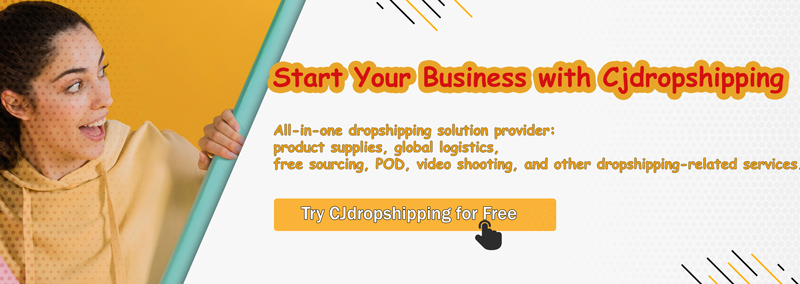
Key Features:
-
Global Warehouses: Inventory in China, USA, Europe, etc., so orders often ship locally.
-
Full Dropshipping Service: CJ handles sourcing, quality control, packaging, and international shipping.
-
Branding Tools: Options for custom packaging, private labeling, POD (print-on-demand), and in-house photography.
-
Product Sourcing: Vast catalog plus on-demand sourcing – send CJ a product image/URL and they’ll find a supplier for you.
-
CJ App and API: Integrates with Shopify, WooCommerce, eBay, Amazon, Lazada, Shopee, and more.
Pros:
-
Global Expansion: With warehouses worldwide, CJ is well-suited for international selling. It can ship from a warehouse near the customer, speeding delivery.
-
No Fees for Basic Use: Many features (like order syncing and product importing) are free. Paid plans give extra discounts on product costs.
-
Branding Support: Helps build a brand through custom packaging, labels, and bundled products.
-
Large Product Selection: Covers electronics, apparel, home goods, etc., plus custom-sourced items.
Cons:
-
Newcomer Learning Curve: While the CJ dashboard is user-friendly, beginners may need time to learn its features (like sourcing requests, Shopify app, etc.).
Integrations: CJdropshipping integrates with most major platforms. There are native apps/plugins for Shopify, WooCommerce, Wix, eBay, Amazon, AliExpress, Lazada, Shopee and more. If your platform isn’t directly supported, CJ offers an API and support for custom integration. This flexibility makes it easy to connect your existing store to CJ’s system.
Pricing: CJdropshipping is free to join and use at a basic level. Products are priced competitively (often cheaper than AliExpress if sourced via CJ). CJ also offers paid membership tiers that provide extra product discounts and faster service. For example, a paid membership can unlock lower per-item prices and priority support, but even the free plan allows hundreds of products and global shipping.
Best For: Sellers who want global reach and branding. CJdropshipping is ideal for beginners who want a one-stop service: you can source almost anything, brand it, and ship it internationally without having multiple suppliers. It’s especially suited to stores targeting multiple countries (since CJ has local warehouses worldwide). For example, a US-based electronics store might use CJ’s US warehouse to minimize shipping time, while a European store takes advantage of CJ’s EU warehouses. Beginners benefit from CJ’s guided sourcing: if you find a winning product on Alibaba or Amazon, you can ask CJ to source it for you.
2. AliExpress
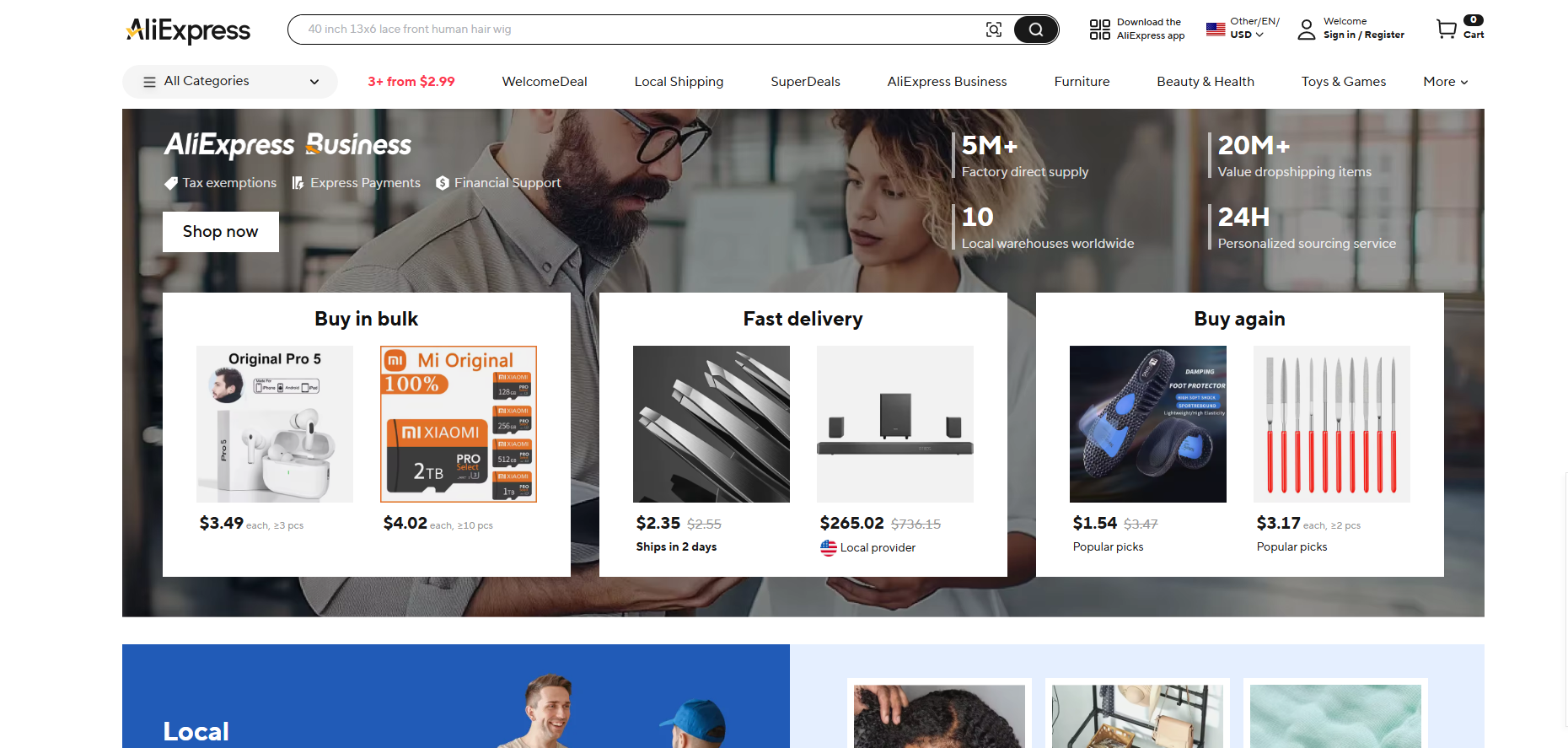
Overview: AliExpress is the giant Chinese marketplace owned by Alibaba, offering millions of products at low prices. It’s a favorite drop shipping source for beginners because anyone can buy on AliExpress without fees and ship worldwide. AliExpress sellers understand dropshipping, often providing multiple product photos and descriptions you can reuse. Unlike a dedicated dropshipping app, AliExpress itself doesn’t automate orders; instead, you use dropshipping tools (like DSers or WooCommerce plugins) to import and fulfill products from AliExpress.
Key Features:
-
Massive Product Range: All categories (electronics, fashion, home, beauty, etc.) with numerous suppliers for each item.
-
Low Prices: Direct-from-manufacturer pricing (often the lowest you’ll find). Many products under $10 retail price, allowing high markup.
-
Global Shipping: Sellers ship to 200+ countries, frequently via ePacket or other affordable options.
-
No Membership Fee: Anyone can browse and buy – dropshipping doesn’t require paying AliExpress.
-
Drop Shipping Tools: Apps like DSers (Shopify), AliDropship (WordPress), or Oberlo (Shopify, discontinued) automate product importing and ordering.
Pros:
-
Beginner-Friendly: No signup cost and easy product sourcing. Ideal for those on a tight budget.
-
Extremely High Variety: If you can think of a product, you’ll probably find it on AliExpress with multiple supplier options.
-
Customer Support: Many sellers have official dropshipping policies and will ship blind (no invoice) for you.
Cons:
-
Slow Shipping: Standard shipping from China can take 2–4 weeks. (ePacket speeds to the US/Europe). This delays customer satisfaction.
-
Quality Variance: Product quality and consistency depend on the supplier. Some listings have low-quality photos or counterfeit brands. You must vet suppliers carefully.
-
Heavy Competition: Because AliExpress products are accessible worldwide, many drop shippers sell the same items. You compete on price and marketing.
-
Tariffs: For US/European stores, Chinese suppliers may incur import duties for customers, raising the final price.
Integrations: AliExpress works via dropshipping software. For example: DSers (free Shopify app) supports AliExpress and can bulk-import items. On WooCommerce/WordPress, AliDropship is a popular plugin. Oberlo (Shopify) was the classic AliExpress importer (now discontinued, with DSers as its replacement). In short, you’ll connect AliExpress to your store with a dropship app rather than directly.
Pricing: AliExpress itself is free to use – you pay only product and shipping costs. Dropshipping apps like DSers often offer free starter plans (e.g. DSers allows up to 3,000 items on its free tier). Otherwise, expect to pay modest monthly fees ($0–$20) for advanced features like supplier optimization. The key “cost” is product prices and international shipping fees, but no platform fees.
Best For: Budget-conscious beginners and general stores. AliExpress is especially suitable for new entrepreneurs testing product ideas, since there’s no upfront cost and huge selection. If you have a very broad store (e.g. a general gadget or novelty store), AliExpress can supply almost anything. However, it is less ideal if your brand depends on fast shipping; in those cases, consider suppliers like Spocket or CJ with local warehouses.
Example: A small US-based drop shipper starting in 2024 might list trending phone accessories from AliExpress. Using an app like DSers, they import dozens of products. Customers pay $20–$30, while AliExpress wholesale price is $2–$5. The seller relies on marketing and customer service to stand out, as many others sell the same items. Over time, they may phase in faster-shipping suppliers (like Spocket) for best-selling items.
3. Spocket
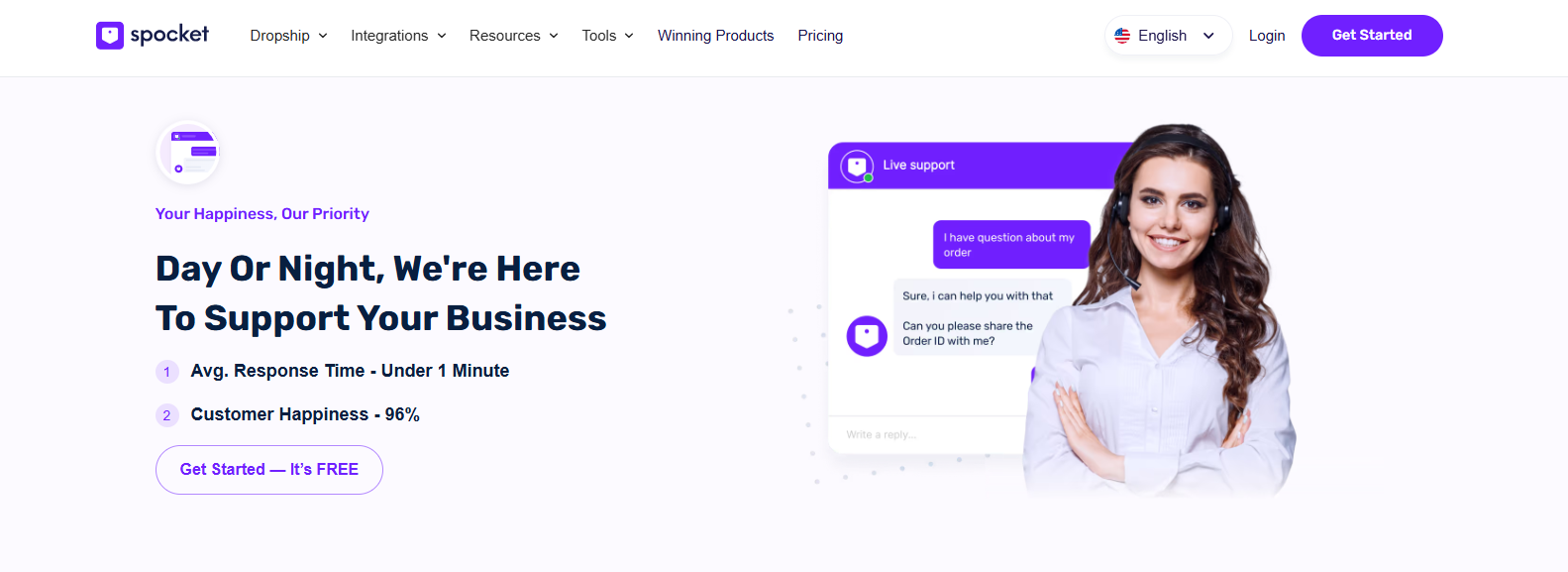
Overview: Spocket is a curated dropshipping platform focusing on US and EU suppliers. Founded in 2017, it gives access to nearly a million products from vetted wholesalers in America and Europe. By sourcing locally, Spocket enables much faster shipping to North American and European customers than shipping from China. It also offers branded invoice/packaging options to build your store’s brand. Spocket’s platform manages order processing and updates tracking automatically, so once a customer orders, Spocket pushes the order to the supplier for fulfillment.
Key Features:
-
Fast-Shipping Products: Over 70% of Spocket suppliers are in the US/EU, meaning orders often arrive in 2–7 days within those markets.
-
Branded Invoices: You can add your logo to invoices sent with each shipment, making dropshipping look more professional.
-
High-Quality Suppliers: Spocket screens suppliers for quality (70+% are US/EU). Many offer product samples so you can verify quality first.
-
Integration with Shopify, etc.: Spocket integrates with Shopify, WooCommerce, Wix, BigCommerce, and Squarespace, making it easy to import products into your store with one click.
-
Bulk Ordering & Importing: Quickly import product catalogs to your store. Automates stock syncing so your store always shows current inventory.
Pros:
-
Fast Delivery: Domestic shipping in the US/EU greatly improves customer satisfaction. (E.g. 1–2 day US shipping on some items.)
-
Branding & Quality: Higher-quality products and branded invoices can justify higher prices and repeat business.
-
Extensive Catalog: Nearly a million products across niches, especially apparel, beauty, electronics, and home goods.
-
Easy Setup: Many sellers find Spocket’s interface and onboarding user-friendly, with 24/7 support and guides.
Cons:
-
Costlier Products: US/EU suppliers charge more than Chinese suppliers, so retail prices may be higher.
-
Pricing Plans: Spocket’s free plan is limited. The basic paid plan (Starter) is about $39.99/month for 25 products, and the Pro plan is ~$99/month for 250 products. (Also see below for pricing detail.)
-
Limited Branding on Packaging: While invoices can be branded, some sellers note you cannot customize physical packaging on Spocket shipments.
-
Plan Refund Policy: Subscriptions are non-refundable if cancelled early.
Integrations: Spocket connects smoothly with Shopify, WooCommerce, Wix, BigCommerce, Squarespace, and even has an AliExpress import tool. For Shopify users, there’s an official Spocket app (one-click install). Once installed, you browse Spocket’s catalog in-app and add products to your store. The Spocket dashboard then handles order notifications and status syncing.
Pricing: Spocket offers a free plan (up to 25 items, brandable invoices disabled) and several paid tiers. As of 2025:
-
Starter ($39.99/mo): Up to 25 unique products, branded invoices, some discounts.
-
Pro (~$99/mo): Up to 250 products, premium suppliers, branded invoicing on all orders.
-
Empire and Unltd: For up to 1,000+ products.
(Prices from Spocket’s site; note they can change. In general, expect to pay at least ~$40/mo for a basic functional store.) Discounts are often available via affiliate links (e.g. some sources note 15–20% off your first payment).
Best For: Merchants who want quality and branding. Spocket is great if your store needs US/EU products and faster delivery, and you don’t mind paying a bit more. For example, a boutique selling organic skincare or pet supplies may choose Spocket so customers in the US get products in under a week with branded invoices. Beginners with more funding (or seeking higher margins) will appreciate Spocket’s reliability. Spocket is also ideal for merchants who want to avoid the “China dropshipper” stigma and position their store as a domestic retailer.
Example: Imagine a new US-based home décor store. The owner uses Spocket to source decorative pillows from US and EU suppliers. Customers receive items in ~5 days domestically, and each package includes an invoice printed with the store’s logo (Spocket’s “branded invoice” feature). The store pays $20/pillow wholesale (US supplier) and sells for $50, while a similar Chinese pillow on AliExpress might only cost $5 but take 4 weeks to arrive. The faster shipping and perceived quality justify the higher price, and Spocket’s vetted suppliers give the store confidence in product quality.
4. Modalyst
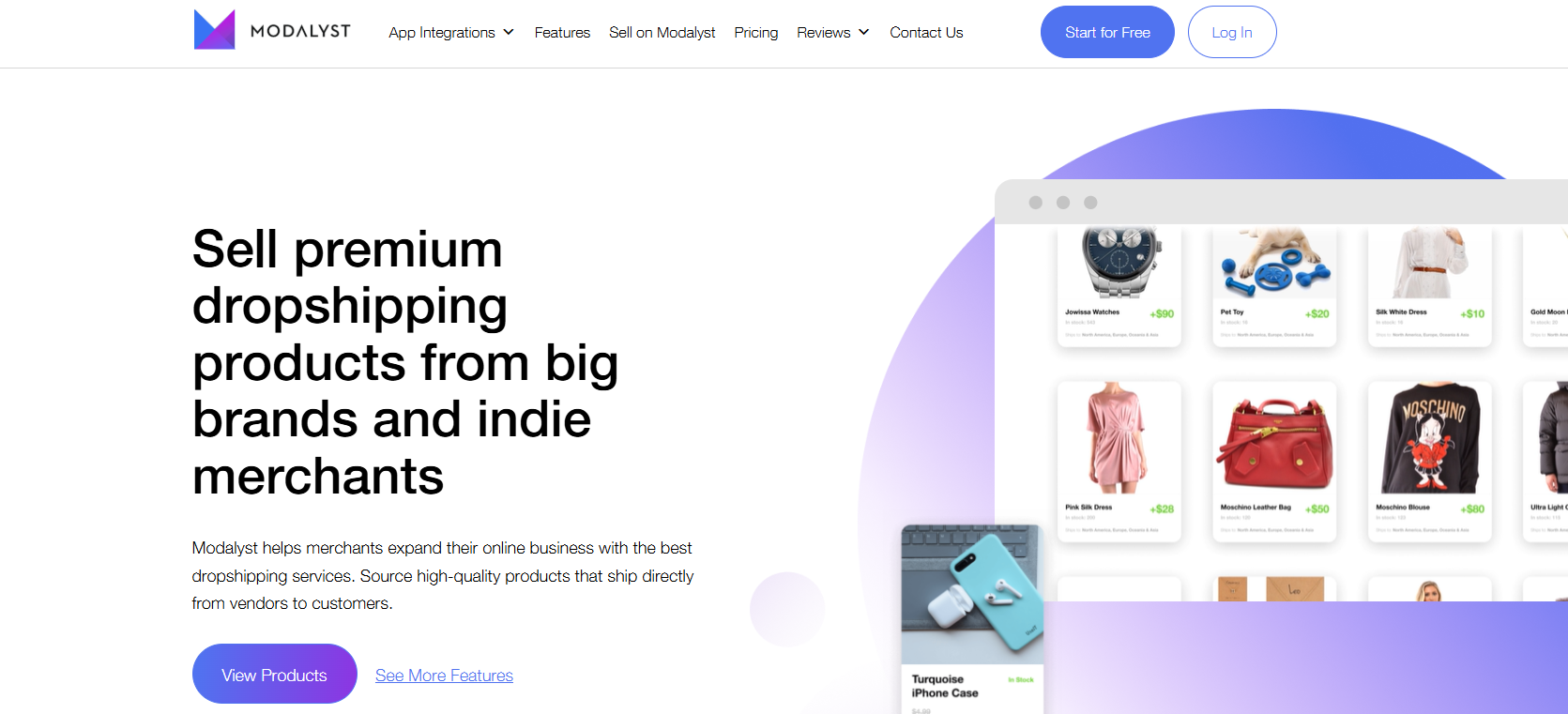
Overview: Modalyst is a global dropshipping marketplace that connects merchants to curated suppliers in the US and worldwide, including indie brands and name brands. It positions itself for trend-driven retailers. Modalyst offers products in apparel, accessories, home goods, beauty, and more, with a focus on “boutique”-style and eco-friendly items. Notably, Modalyst provides a private-label program: you can add your own branding (labels, inserts) to some products for a custom feel.
Key Features:
-
Curated Catalog: Includes thousands of products from vetted US and international suppliers, plus brand-name items (e.g. name-brand sunglasses, etc.).
-
Domestic & Global Shipping: Fast USA shipping (6–8 days) on US items; ships to 80+ countries worldwide.
-
AliExpress Integration: A browser extension lets you import AliExpress products into Modalyst, combining curated and mass-market sources.
-
Eco-Friendly & Private Label: Options for sustainable products. Modalyst also offers a private-label service for branding.
-
Auto-Sync: Inventory and prices sync between supplier and store.
Pros:
-
Unique Products: Many items are not easily found on AliExpress (e.g. boutique clothing, unique gifts). Helps store differentiation.
-
US Suppliers: Domestic suppliers mean faster shipping and quality assurance for US-based stores.
-
Automatic Fulfillment: Orders are auto-sent to suppliers.
Cons:
-
Limited Quantities: Popular items may sell out quickly due to curated, low-volume suppliers.
-
Fees: Shopify merchants pay a 5% transaction fee on Modalyst sales (unless on high-tier plans). There’s also a monthly fee for higher product limits.
-
Pricing: Modalyst’s plans: Free for up to 25 products (on autopilot), $35/mo for 250 products. Larger plans cost more.
Integrations: Modalyst offers official apps for Shopify (one-click install) and Wix (via Wix App Market). It also supports BigCommerce and CommerceHQ. Integration is simple: install the app, browse Modalyst’s catalog, and add to your store. Auto-sync keeps stock updated.
Pricing: Modalyst’s free plan allows up to 25 products with basic features (order automation). Paid plans include:
-
Starter ($35/mo): Up to 250 products.
-
Pro ($90/mo): Up to 2,500 products, no transaction fees.
-
Enterprise: Unlimited products, custom pricing.
Best For: Niche and boutique sellers. Modalyst is ideal for stores targeting customers who want curated, higher-end or eco-friendly items. A small fashion boutique or gift shop might use Modalyst for brand-name or designer-looking merchandise that can’t be found on Alibaba. Beginner sellers who want something better than commodity goods – yet don’t have large budgets – can start on the free plan and pay as they grow. Modalyst works well with Shopify and WooCommerce stores, especially when the focus is on product uniqueness rather than rock-bottom cost.
Example: A US-based pet accessories store wants to offer designer dog collars. Using Modalyst, the owner finds a US-based leather collar supplier. The product costs $20 each and ships within the US. The store sells it for $60. Customers love the fast shipping and quality. The store also adds eco-friendly canvas leashes from a Modalyst supplier in Europe, appealing to a specific niche. Because the store’s brand is local, they happily absorb Modalyst’s higher fees for the value of domestic fulfillment and unique inventory.
5. Oberlo (via Shopify) / DSers
Overview: Oberlo was Shopify’s official dropshipping app (shutting down in 2022) that let merchants import products from AliExpress into their Shopify store. Today, Shopify recommends DSers as the replacement. We’ll cover this category as Shopify AliExpress dropshipping tools. In essence, Oberlo/DSers allow one-click import of AliExpress products, automatic order forwarding, and inventory syncing. DSers has become the go-to app, and it now has features to ease the Oberlo-to-DSers transition.
Key Features:
-
One-Click Import: Quickly add products from AliExpress (Oberlo) or various marketplaces (DSers) to your store.
-
Bulk Ordering: DSers can place hundreds of orders at once on AliExpress, saving time.
-
Supplier Optimization: DSers lets you compare AliExpress suppliers for price and rating before ordering, helping you choose the best vendor.
-
Automation: Orders placed in your Shopify store are automatically sent to AliExpress suppliers; tracking numbers sync back to customers.
-
Multi-Store Management: DSers can connect multiple stores (Shopify, Woo, Wix) under one account.
Pros:
-
Ease of Use (Shopify): The apps integrate tightly with Shopify (and DSers also with WooCommerce/Wix). Installation is one-click, and adding products is straightforward.
-
Bulk Efficiency: DSers’ bulk ordering is ideal for scaling a store with many orders.
-
Free Plan: Both Oberlo (when it was active) and DSers offer free basic plans. DSers’ free tier supports up to 3,000 products.
-
Direct AliExpress Link: Eliminates middlemen; costs are transparent (wholesale AliExpress prices + shipping).
Cons:
-
Shopify-Only (Oberlo): Oberlo worked only on Shopify. DSers extends to Woo/Wix, but initial Oberlo users had to migrate.
-
Limited Branding: Since products are from AliExpress, there’s typically no branding on packaging or invoices (unless using a third-party freight forwarder or supplier that allows it).
-
Competition & Quality: Same issues as AliExpress (competition, variable quality) apply.
Integrations:
-
Oberlo (deprecated): Was a Shopify app. Now closed.
-
DSers: Available on Shopify (Shopify App Store), Wix, WooCommerce, and BigCommerce. You connect it to your store, then browse AliExpress within DSers or use a browser extension.
Pricing:
-
Oberlo: Free (while it operated).
-
DSers:
-
Free: Up to 3,000 products (no monthly fee).
-
Basic: $19.90/mo for up to 10,000 products and more advanced features (e.g. supplier optimization).
-
Advanced: $49.90/mo for unlimited products and stores.
-
Best For: Shopify beginners doing AliExpress dropshipping. If you run a Shopify store, Oberlo used to be the obvious choice; now DSers fills that role. Store owners who value simplicity – install DSers, import products, and forget about suppliers – will appreciate this setup. It’s especially good for those selling low-cost, high-volume items (like phone cases, gadgets, accessories) where the focus is price and variety over brand.
Example: A novice entrepreneur creates a Shopify store selling wireless earbuds. Using DSers, they import 20 popular earbud listings from AliExpress in minutes. DSers automatically updates stock and places orders on AliExpress as customers buy. This person pays AliExpress wholesale prices (e.g. $5 per earbud) and sells for $25. DSers’ bulk order feature means as orders grow, they can fulfill dozens at once, freeing time to work on marketing and store design.
6. SaleHoo
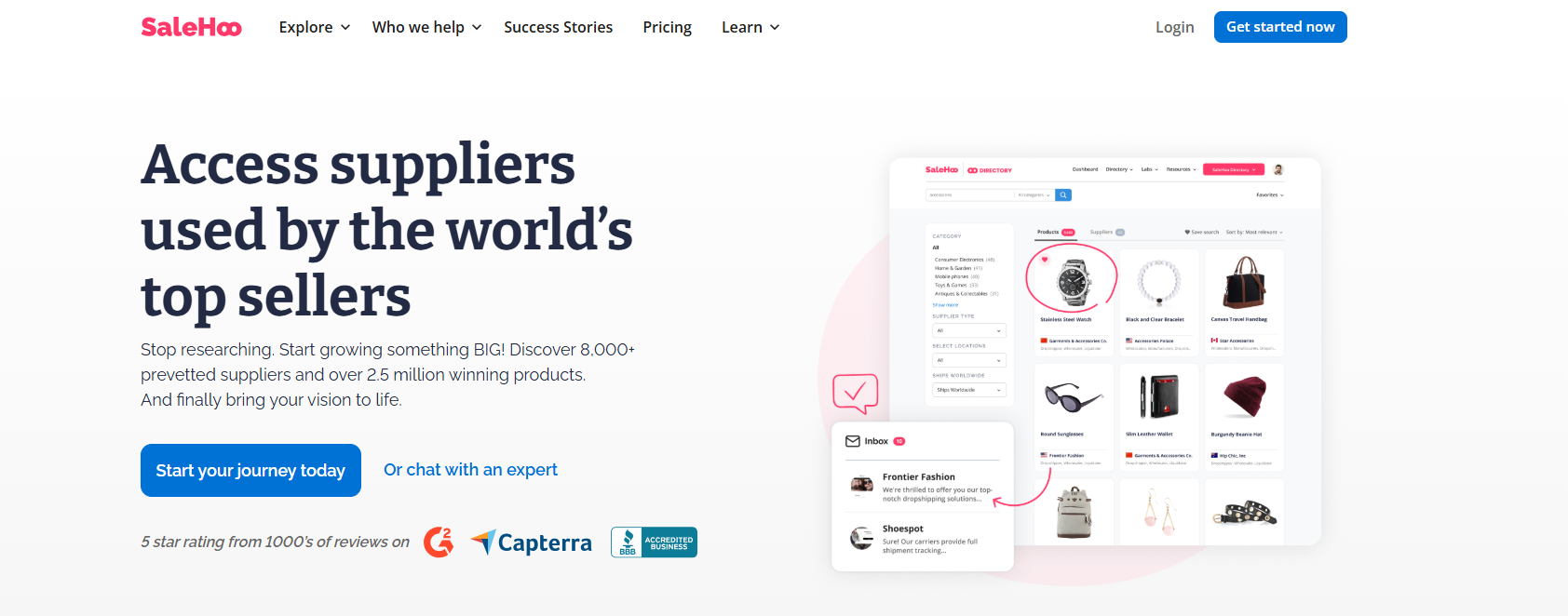
Overview: SaleHoo is a supplier directory and wholesale marketplace rather than a drop-shipper itself. It gives users access to 8,000+ pre-vetted suppliers and 1.6+ million products. What sets SaleHoo apart is its research tools: it provides market data (sales volume, competition metrics) on products, helping sellers choose profitable items. SaleHoo also has a dropshipping app for Shopify that lets you import products from its directory into your store.
Key Features:
-
Vetted Suppliers: All suppliers in SaleHoo’s directory are reviewed for legitimacy. You can find manufacturers, wholesalers, and dropshippers worldwide.
-
Market Research: The “Market Research Lab” shows how well products sell and how competitive they are, guiding inventory decisions.
-
Search and Filter: Advanced filters by price, location, or minimum order quantity. Sort products by cheapest first or by category.
-
Shopify Integration: A SaleHoo app (Shopify) allows one-click importing of products into your Shopify store.
-
Community and Support: SaleHoo offers training, a community forum, and customer support for sourcing advice.
Pros:
-
Detailed Info: You get deep insights on products and suppliers, rather than blindly ordering from a marketplace. For example, you can see average selling price and number of sellers.
-
Safety: Working with verified suppliers reduces the risk of scams or fraud compared to anonymous marketplaces.
-
Wide Range: 2.5 million products across niches. Suppliers from Asia, USA, Europe, etc. can be found.
-
Ease of Use: The directory format makes it quick to find niche suppliers (e.g. eco-friendly gadgets or pet toys).
Cons:
-
Subscription Model: SaleHoo charges membership fees; there’s no free plan (see below).
-
Catalog Size: Compared to AliExpress’s unlimited products, SaleHoo’s directory is smaller (1.6M vs unlimited on AliExpress).
-
Slightly Outdated Listings: Some listings in the directory can become outdated, requiring careful checking.
-
Learning Curve: Beginners might need time to learn how to use the research tools effectively.
Integrations: SaleHoo offers a Shopify app for dropshipping, which lets you browse SaleHoo products and add them to your Shopify store. Integration with other platforms (WooCommerce, etc.) is more manual: you generally download product lists or contact suppliers outside of your store platform.
Pricing: SaleHoo’s pricing has evolved. As of 2025, their plans include:
-
Starter ($9/mo billed annually): Connect 1 Shopify store, 200 product imports/month, contact up to 100 suppliers/月. Includes basic research tools (Dropshipping on Shopify course).
-
Pro ($49/mo billed annually): Connect up to 3 stores, 600 imports, unlimited supplier contacts, Amazon sourcing tools, and premium courses.
-
Lifetime ($299 one-time): All Starter features plus lifetime access without recurring fees.
These figures are from SaleHoo’s official pricing page (subject to change). Earlier sources (now outdated) cited ~$27/mo for dropshipping access, but the current plans have been revamped with monthly and one-time options.
Best For: Data-driven merchants and beginners who want guidance. If you’re looking to research trending products or ensure supplier legitimacy, SaleHoo is a great choice. It’s also good for those selling bulkier items or custom goods where you might need a local supplier (SaleHoo lists many US/UK suppliers). For example, a custom jewelry store could use SaleHoo to find a vetted US jewelry manufacturer, rather than risking unknown AliExpress vendors.
Example: A retailer starting a pet products business might use SaleHoo’s research lab to find low-competition items. They search “dog collar” and see that synthetic leather collars have high sales but low competition in mid-price range. SaleHoo shows a few verified suppliers for these collars. The owner contacts a supplier from Canada listed on SaleHoo (for faster shipping to North America) and imports sample products. Once approved, they upload the item data into Shopify via the SaleHoo app and start selling. SaleHoo’s data gave them confidence in the product choice.
7. Printful (Print-On-Demand)
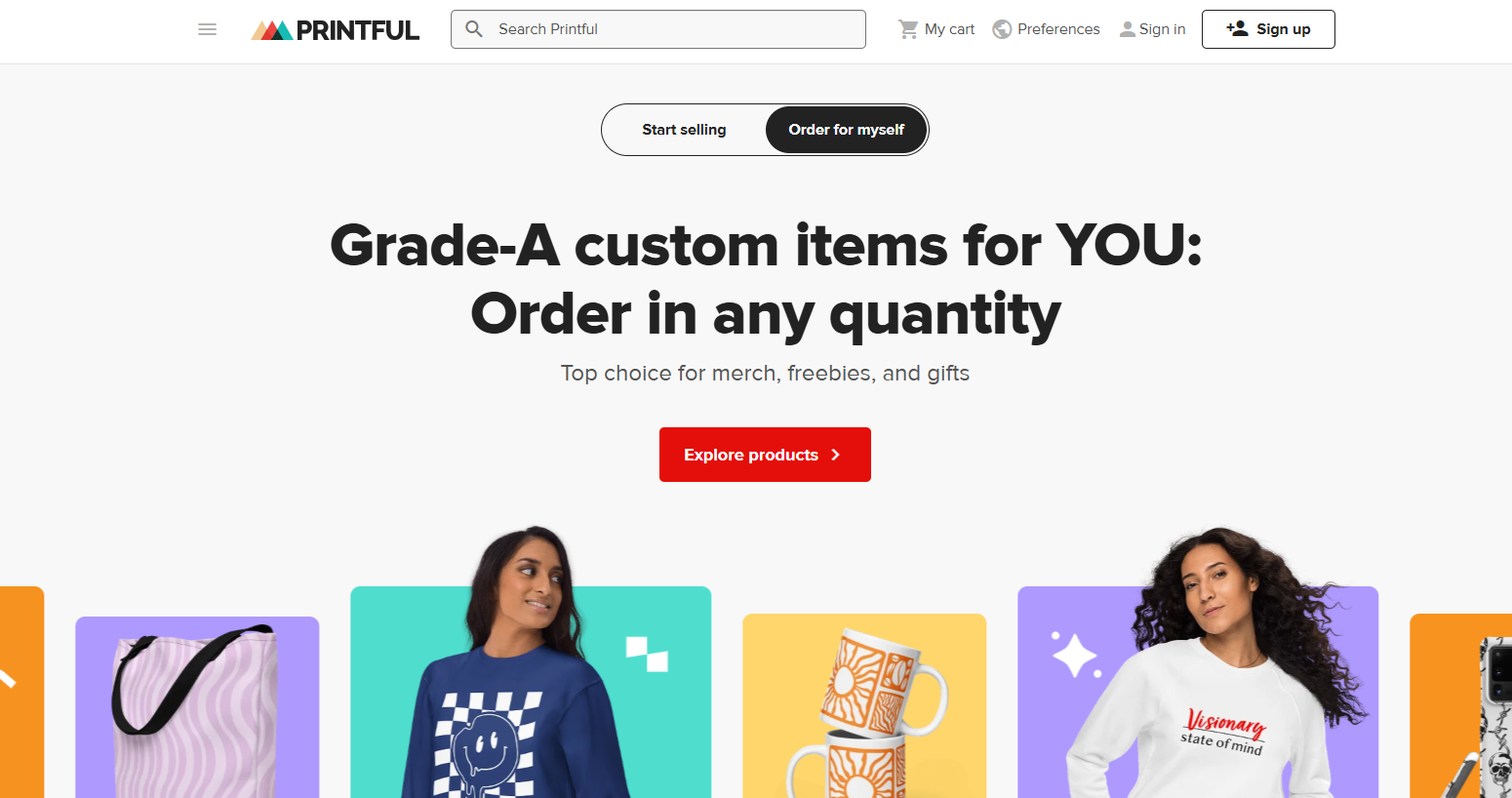
Overview: Printful is a popular print-on-demand (POD) dropshipping service. It specializes in custom-printed merchandise: clothing (t-shirts, hoodies, leggings), accessories (caps, bags), home decor (posters, mugs), and more. Unlike conventional dropshipping where you sell pre-made items, with Printful you upload your own designs or artwork. Printful then prints, packs, and ships the order on demand. This means no inventory upfront and virtually no risk — you pay per item only after you make a sale.
Key Features:
-
Wide Product Range: Over 300 customizable products. Specializes in apparel but also offers phone cases, posters, pillows, etc..
-
Global Fulfillment Network: Printful has printing facilities/partners in North America, Europe, and elsewhere, allowing worldwide distribution. This reduces shipping time and costs.
-
Mockup Generator: Design tool to place your graphics on product images. You can download realistic mockup images for your store.
-
Integration Friendly: Seamlessly connects with Shopify, WooCommerce, Etsy, BigCommerce, Wix, and even social platforms (Facebook, TikTok, etc.). This lets you sell on multiple channels with one back end.
-
Branding Options: Includes ability to add custom labels, pack-ins, etc., on some products.
Pros:
-
No Inventory: You never pay for products until you sell them, eliminating upfront cost.
-
Full Automation: Orders placed in your store automatically get sent to Printful; customer tracking info is synced back.
-
Professional Quality: Printful emphasizes high-quality printing (DTG, embroidery, etc.) and materials.
-
Design Flexibility: Unlimited design options — you can start a store based on your art or brand.
Cons:
-
Lower Margins: Because POD printing is costlier than bulk manufacturing, per-item prices are higher. You must price your products accordingly.
-
Limited Branding: Not all items allow custom labels or tags. And Printful’s logo may appear inside clothing if not opted out.
-
Competition: POD stores are easy to start, so niches (e.g. funny tees) can be saturated. Your differentiation must come from design or niche focus.
Integrations: Printful integrates with virtually all major e-commerce platforms. The lifestyledezine article notes it’s compatible with Shopify, BigCommerce, Wix, WooCommerce, and even social channels. Setup is plug-and-play: you install the Printful app in your store, create products by matching your designs with Printful’s blank items, and push them to your storefront. Printful handles printing and fulfillment end-to-end.
Pricing: Printful itself is free to use. There are no subscription fees. You pay for products and shipping only when an order comes in. For example, a blank white t-shirt with a graphic might cost $12 + shipping; you sell it for $25. Printful occasionally offers monthly plans (e.g. a $24.99/mo Pro plan) for additional discounts, but these are optional.
Best For: Creative entrepreneurs and niche stores. Printful is ideal for anyone wanting to sell custom or branded goods without holding inventory. Examples include graphic designers, artists, podcasters, or fitness trainers who want to sell merch (t-shirts with logos, mugs with quotes, etc.). It’s also great for drop shippers who want to test branding (name on shirt) since you control the design. For beginners, POD is low-risk: you can start a store quickly and focus on marketing and design skills rather than supplier management.
Example: Jane runs an online fitness blog and wants to launch branded apparel. She designs a logo and some slogans. Using Printful (integrated with her Shopify store), she creates a product line: $30 tank tops, $25 t-shirts, $20 caps (with her designs). When a customer orders, Printful prints and ships it under Jane’s label. Jane pays Printful $15 for the tank top, nets the rest as profit. She doesn’t invest in any inventory, but builds her brand through unique designs and a professional fulfillment service.
8. Dropified
Overview: Dropified is a dropshipping automation tool and supplier platform that helps you import and manage products from multiple sources. It primarily connects to AliExpress, Alibaba, eBay, Walmart, and other marketplaces to source products. Dropified acts as an intermediary: you install Dropified in your store (Shopify, WooCommerce) and then search for products to sell. It will sync inventory and orders, and even help find suppliers for chosen items. Dropified is aimed at sellers who want multi-channel selling (e.g. selling the same product on Shopify and eBay simultaneously).
Key Features:
-
Multi-Platform Sourcing: Access to products from AliExpress, Alibaba, Amazon, eBay, Walmart, and other sources. This variety lets you find the best deals.
-
Channel Integration: Dropified integrates with Shopify, WooCommerce, CommerceHQ, GrooveKart, etc. You can also push products to Amazon and eBay as marketplace listings.
-
Product Management Tools: Edit product titles, descriptions, and images in bulk within Dropified before syncing to your store (to make imported products look unique).
-
Auto Order Fulfillment: When an order comes in, Dropified can automatically place the order on the supplier site (AliExpress/eBay) and fill in shipping details, so you don’t have to handle manual ordering.
-
Pricing Rules & Variants: Set pricing formulas (e.g. “cost + 30%”) and manage product variants easily.
Pros:
-
Diversification: Because you can source from many marketplaces, you’re not limited to AliExpress. You can compare prices and shipping options across suppliers.
-
Cross-Channel Selling: Dropified’s ability to list products on Amazon and eBay (from your Shopify catalog) makes it useful for multi-channel brands.
-
Bulk Imports: Like DSers, Dropified allows bulk product imports and bulk edits, saving time when building a large store.
-
Trends & Analytics: Dropified has some features to help spot trending products.
Cons:
-
Cost: Dropified’s pricing starts higher. The Pro plan (unlimited products) is about $47/month, which may be steep for new sellers.
-
Complexity: Beginners may find all the features overwhelming. It has more learning curve than simpler tools like Oberlo/DSers.
-
Support: Some users have reported that customer support can be slow or that certain features need improvement (based on community feedback).
Integrations: Dropified works with Shopify and WooCommerce out of the box. It also supports integration via API for some other platforms. Moreover, Dropified allows multi-channel selling: you can connect your Shopify store to your Amazon or eBay account and list Dropified products there. For Shopify, Dropified is available as a paid app you install from the app store.
Pricing:
-
Free Plan: Import up to 25 products with basic features. Good for testing or a very small store.
-
Pro Plan ($47/mo): Unlimited products, variant bundles, quantity break pricing, and full automation.
Best For: Sellers who operate on multiple channels or need advanced automation. If you plan to sell on Shopify and eBay/Amazon, Dropified streamlines pushing listings across platforms. It’s also for experienced drop shippers who want sophisticated tools (bulk pricing, bundling, supplier comparison). Beginners might start on the free plan to import a handful of items.
Example: A merchant runs a tech gadget store on Shopify and also wants to sell on Amazon. Using Dropified, they find a trending Bluetooth speaker on AliExpress for $10. They import it to Shopify and simultaneously list it on Amazon through Dropified’s integration. When a customer orders from Shopify, Dropified auto-purchases from AliExpress and sends it to the Shopify customer. When someone orders from Amazon, Dropified also fulfills it via the same supplier. The merchant only manages listings and marketing – Dropified handles syncing inventory and orders. As sales grow, they upgrade to the Pro plan for unlimited products and advanced features.
9. Doba
Overview: Doba is a longstanding dropshipping platform that aggregates over 1 million products from suppliers (mostly in the US and China) into one catalog. It is both a supplier network and a management tool, focusing on simplifying product sourcing. Doba stands out for its product search filters (by shipping speed, supplier location, etc.) and supplier scorecards, which help dropshippers choose reliable products. It also curates “high-margin” product lists for beginners.
Key Features:
-
Large Catalog: Over 300,000 unique products (Doba used to say 1M, but current sites suggest 300k) across electronics, apparel, home goods, etc..
-
Filtering Tools: You can filter products by origin (US, China), shipping time, minimum order qty, etc. This lets you quickly find items that ship from the US or meet your criteria.
-
Supplier Scorecards: For each product, Doba provides data on supplier performance (on-time rate, years in business) so you can vet suppliers.
-
Automated Sync: Doba links with Shopify, WooCommerce, Amazon, eBay, and others. It automatically syncs inventory and updates your store, and can auto-fulfill orders by routing them to the supplier.
Pros:
-
Detailed Product Data: The filtering and supplier info are more extensive than on many other sites. This empowers data-driven decision-making.
-
US-Based Suppliers: Many products have US warehouses for fast domestic shipping.
-
Free Trial: Doba offers a 14-day free trial (full access) so you can test it risk-free.
-
All-in-One Service: Doba handles order routing, tracking sync, and payments between you and the supplier, simplifying the supply chain.
Cons:
-
Cost: Doba is not cheap. After the trial, plans start around $24.99/month for a basic package (with limited product access). It’s pricier than free solutions like AliExpress or CJ.
-
Smaller Network: With 230+ suppliers, its catalog is large but still smaller than free marketplaces.
-
Plan Limits: Lower-tier plans restrict the number of products you can list. To scale, you pay more.
Integrations: Doba integrates with Shopify, WooCommerce, Amazon, eBay, BigCommerce and more via plugins or API. Once connected, products in Doba can be pushed to your store catalog. Orders placed on your site can be automatically imported into Doba for fulfillment and shipping.
Pricing: After a 14-day trial, Doba’s main plan starts at $24.99/month (this gives access to a subset of products and one store connection). Higher plans (e.g. $44.99/mo) allow more products and more stores. Given frequent price changes, check Doba’s site for up-to-date info.
Best For: Entrepreneurs who value data and US shipping. Doba is suited for stores that sell products where delivery speed matters (e.g. electronics or parts from US warehouses). It’s also good if you want to filter products by detailed criteria (e.g. “all products shipped in 2 days from the US”). Beginners may use Doba to learn supplier evaluation, since the scorecards educate them on picking strong suppliers.
Example: A Houston-based seller of automotive accessories wants fast US delivery. Using Doba, they filter for “car accessories” with US-based suppliers. They find a dashboard camera kit (camera + mount) with a US warehouse and 1-day handling time. The product costs $40 wholesale; they list it for $99. Doba’s supplier scorecard shows a 98% on-time shipment rate. When an order comes in, Doba sends it to the supplier, and the camera ships next day via USPS. The seller pays the $40 + $10 flat shipping to Doba (rolled into their costs) and pockets the difference. Because of Doba’s filters, the seller avoids tying up the store with slow-shipping or unreliable overseas items.
10. Inventory Source
Overview: Inventory Source is a dropship automation platform that connects retailers to suppliers’ inventory feeds. It’s not a marketplace itself, but rather a hub – it hosts product catalogs from 230+ dropship suppliers (across various niches) and syncs them to your store. Inventory Source focuses on hands-off automation: it will upload products, sync inventory/prices, and route orders to suppliers for fulfillment, without you ever touching the supplier site.
Key Features:
-
Catalog Integration: Connects you with a network of vetted suppliers. You choose which supplier catalogs to add to your store.
-
Automated Sync: Product listings, stock levels, and pricing sync automatically from suppliers to your store or marketplace.
-
Platform Support: Integrates with 25+ e-commerce platforms and marketplaces – including Shopify, WooCommerce, Amazon, eBay, BigCommerce, 3dcart, and more.
-
Custom Supplier Addition: If you already have a preferred supplier, Inventory Source can import that supplier’s data feed (on paid plans).
-
Order Routing: When you get an order, Inventory Source can auto-send the order to the supplier; you essentially manage one dashboard.
Pros:
-
Hands-Free Automation: Minimizes manual work. Once set up, your catalog and orders are handled without daily intervention.
-
Flexible Suppliers: You can integrate suppliers that Inventory Source has onboarded, or add your own. This offers huge flexibility.
-
No Extra Fees for Listings: Inventory Source charges a flat subscription; there are no per-order fees or listing fees beyond that.
Cons:
-
Pricey for Beginners: Even a basic plan costs around $99/month (for one supplier connection, no auto-order). Full automation plans are more. These are high compared to simpler apps.
-
Complex Setup: More suited to technically-savvy users or businesses that already have supplier relationships.
-
Platform Issues: A few Shopify users report occasional sync or update problems (common complaint on apps with many integrations).
Integrations: Inventory Source supports almost every major platform. Their site lists integrations with Shopify, WooCommerce, Amazon, eBay, Walmart, BigCommerce, 3dcart, Magento, CommerceHQ, Shift4Shop, and more. Setting it up involves selecting your platform and activating your chosen supplier(s). The system then maps product data to your store format.
Pricing: Inventory Source plans start at $99/month (basic plan with 1 supplier and auto-sync). More advanced automation (order routing, more suppliers) pushes the cost higher. They offer a free “dropship automation” trial which lets you sync up to 10,000 products to test, but it’s not a full-featured trial. The key point is: Inventory Source is not free, and its value comes with scale and technical setup.
Best For: Mid-size retailers or multi-channel sellers. If you already know which suppliers you want or have a growing store, Inventory Source can save huge time. For example, a store selling outdoor gear might add a US-based camping supply wholesaler’s catalog and let the app keep products updated. It’s less about discovering products and more about automation. Dropshippers who have multiple stores (Shopify + Amazon, etc.) will appreciate syncing all from one dashboard.
Example: An electronics store wants to automatically list parts from two manufacturers. Using Inventory Source, the owner adds these suppliers’ data feeds. Inventory Source uploads tens of thousands of SKUs into the Shopify store. When a customer orders a laptop charger, Inventory Source automatically sends that order to the correct supplier with the customer’s shipping info. The owner no longer manually checks inventory or re-types orders – Inventory Source does it all, ensuring the store stays up-to-date with supplier stock levels.
How to Choose the Right Dropshipping Platform
With so many options, beginners should align the choice of platform with their store’s niche, target market, and technical comfort level. Here are some guidelines (supported by industry sources):
-
Ease of Use: Look for platforms with intuitive dashboards and good support. Beginners may prefer solutions with guided setup and strong customer support (e.g. Shopify apps like CJ or Spocket).
-
Product Type & Niche: General stores may thrive on AliExpress or CJ (mass variety), whereas niche boutiques (e.g. fashion or eco products) might do better on Modalyst or SaleHoo’s curated suppliers. Print-on-demand (Printful) suits unique designs and branded merchandise.
-
Geography: If most customers are in the US or Europe, prioritize platforms with local suppliers (Spocket, Modalyst, Printful, Inventory Source suppliers). For global reach at low cost, use CJ or AliExpress. Region-specific platforms (like Oberlo/DSers for Shopify + AliExpress) also depend on the store’s main market.
-
Budget: Calculate total costs – consider app subscriptions plus product costs. For example, Spocket has higher monthly fees but faster shipping; AliExpress costs nothing to join but shipping can be expensive per item. SaleHoo and Inventory Source have upfront costs, so factor them as fixed investments.
-
Branding Needs: If building a brand is key, choose platforms offering custom packaging or branded invoices (CJ, Spocket, Printful). Buying generic cheap products on AliExpress makes it harder to stand out.
-
Growth Plans: Some platforms (Shopify+DSers, CJ) scale easily with your business, while others (SaleHoo, Inventory Source) may be more “one-time” setups or suitable for specific growth stages.
Scenario Examples:
-
A new Shopify retailer wanting quick start with low cost might pick DSers (AliExpress) and/or CJdropshipping. This combination covers vast product range and keeps platform fees near zero.
-
A store targeting US customers with premium products would look at Spocket or Modalyst for fast fulfillment, or Printful if selling custom apparel.
-
A data-driven entrepreneur planning a large electronics catalog might use Doba or Inventory Source to leverage filters and automation.
-
An artist or influencer launching merch would favor Printful (POD) for its design flexibility.
-
A small business wanting hand-picked suppliers might invest in SaleHoo to find reliable partners and use their Shopify app for easy importing.
How do I evaluate the reliability of a dropshipping website?
1. Supplier Vetting & Track Record
-
Company Background: Check how long they’ve been in business. A platform running 3+ years with steady growth is less likely to vanish overnight.
-
Customer Reviews & Testimonials: Look for independent reviews (Google, Trustpilot, Reddit, Facebook groups). Beware of overly glowing testimonials on the supplier’s own site—they may be self‑published.
-
Order Volume & Ratings: If the platform shows “best‑selling” products with hundreds or thousands of orders and high ratings, that’s a good sign of reliability.
2. Product Quality Assurance
-
Sample Orders: Always buy a few items yourself. Inspect packaging, branding, and product quality.
-
QC & Return Policies: Does the site offer pre‑shipping photo/video inspections or a clear defect/replacement policy? Platforms that guarantee a remake or refund for damaged goods are safer.
3. Shipping Speed & Fulfillment
-
Warehouse Locations: Platforms with local warehouses (US/EU) typically ship in 2–7 days. If they only ship from China, expect 10–20 days.
-
Tracking & Carriers: Reliable sites push tracking numbers automatically to your store. They partner with recognized carriers (DHL, USPS, UPS) rather than unknown “economy” services.
4. Platform Transparency & Fees
-
Clear Pricing: Legit sites list product costs, shipping fees, and any membership or per‑order fees up front. Hidden costs are a red flag.
-
Payment Security: Look for SSL‑secured checkout, support for PayPal or credit‑card disputes, and transparent refund processes.
5. Customer & Technical Support
-
Multi‑Channel Support: A reputable platform offers live chat, email, and phone support, ideally 24/7 or at least in your time zone.
-
Documentation & Training: Good sites provide knowledge bases, video tutorials, and FAQs that walk you through onboarding, product import, and order management.
6. Integration & Automation
-
Native Apps & Plugins: Check that they have official Shopify, WooCommerce, BigCommerce (etc.) apps. Unofficial or API‑only connections can break unexpectedly.
-
Auto‑Sync Features: Inventory, price, and order‑fulfillment syncing without manual intervention reduces human error and out‑of‑stock oversells.
7. Policy Compliance & Legal Safeguards
-
Dropshipping Terms: Review their dropshipping agreement. It should explicitly allow blind shipping (no supplier branding in packages) and not forbid you from selling on marketplaces like Amazon or eBay.
-
Intellectual Property & Safety: Ensure products don’t infringe trademarks, and check for any required certifications or safety standards (CE, FDA, CPSIA, etc.).
How can a beginner quickly get started on these dropshipping platforms?
Getting started quickly as a beginner on any of these dropshipping platforms boils down to a few key steps you can apply regardless of which service you choose:
1. Pick One Platform and Sign Up
-
Evaluate your needs: If you want global reach and branding, start with CJdropshipping; for US/EU–based fast shipping, try Spocket; for custom‑print products, choose Printful; for sheer variety on a budget, use AliExpress + DSers.
-
Create your account: Visit the platform’s website and register. Most have a free tier or trial (e.g., CJdropshipping and AliExpress are free to join; Spocket offers a 14‑day trial).
2. Integrate with Your Store
-
Install the app/plugin: On Shopify, WooCommerce, Wix, or BigCommerce, search the app store for that platform’s integration (e.g., “CJdropshipping,” “Spocket,” “DSers”).
-
Authorize the connection: Follow the prompts to grant required permissions. Within minutes, your store and the dropshipper are linked, enabling product import and order syncing.
3. Import & Customize Products
-
Browse the catalog: Use filters to find products that fit your niche (price, shipping location, supplier rating).
-
Import with one click: Most platforms let you add items directly into your store.
-
Tweak titles/descriptions: Edit product names, bullet points, and images to match your brand voice and SEO keywords (e.g., “eco‑friendly silicone spatula set”).
4. Set Pricing & Shipping Rules
-
Markup strategy: Apply a simple rule, such as cost × 2.5, to ensure a healthy margin after fees.
-
Shipping profiles: Configure your store’s shipping settings to match the supplier’s delivery options and rates (offer flat‑rate or free shipping thresholds).
5. Place a Test Order
-
Verify quality & fulfillment: Order one sample of a key product to check packaging, branding, and shipping speed.
-
Adjust settings: Based on your experience, tweak handling times, product descriptions, or supplier choices before going live.
6. Launch & Promote
-
Publish your store: Once you’ve added at least 10 well‑described products, set your store live.
-
Drive traffic: Start with one channel—Instagram reels, TikTok demos, or Facebook ads—and showcase your products in action.
-
Monitor & optimize: Use your platform’s dashboard to track orders, ROI, and best‑selling items. Swap out underperformers and double down on winners.
By following these six steps—choose, integrate, import, price, test, and promote—you’ll have a functional dropshipping store up and running in just a day or two. From there, refine your product mix, marketing, and customer experience to scale smoothly.